How To Update Your Capabilities
We've expanded the list of manufacturing capabilities on TandemOne. Buyers are searching by these categories now, so an up to date profile is what gets you found and matched to the right RFIs.
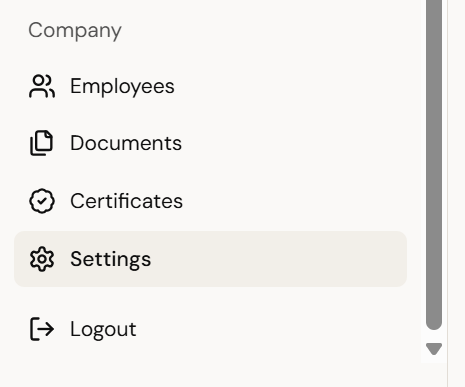
1. Open Settings
From the left-hand navigation menu, click "Settings" (the gear icon near the bottom, under Company).
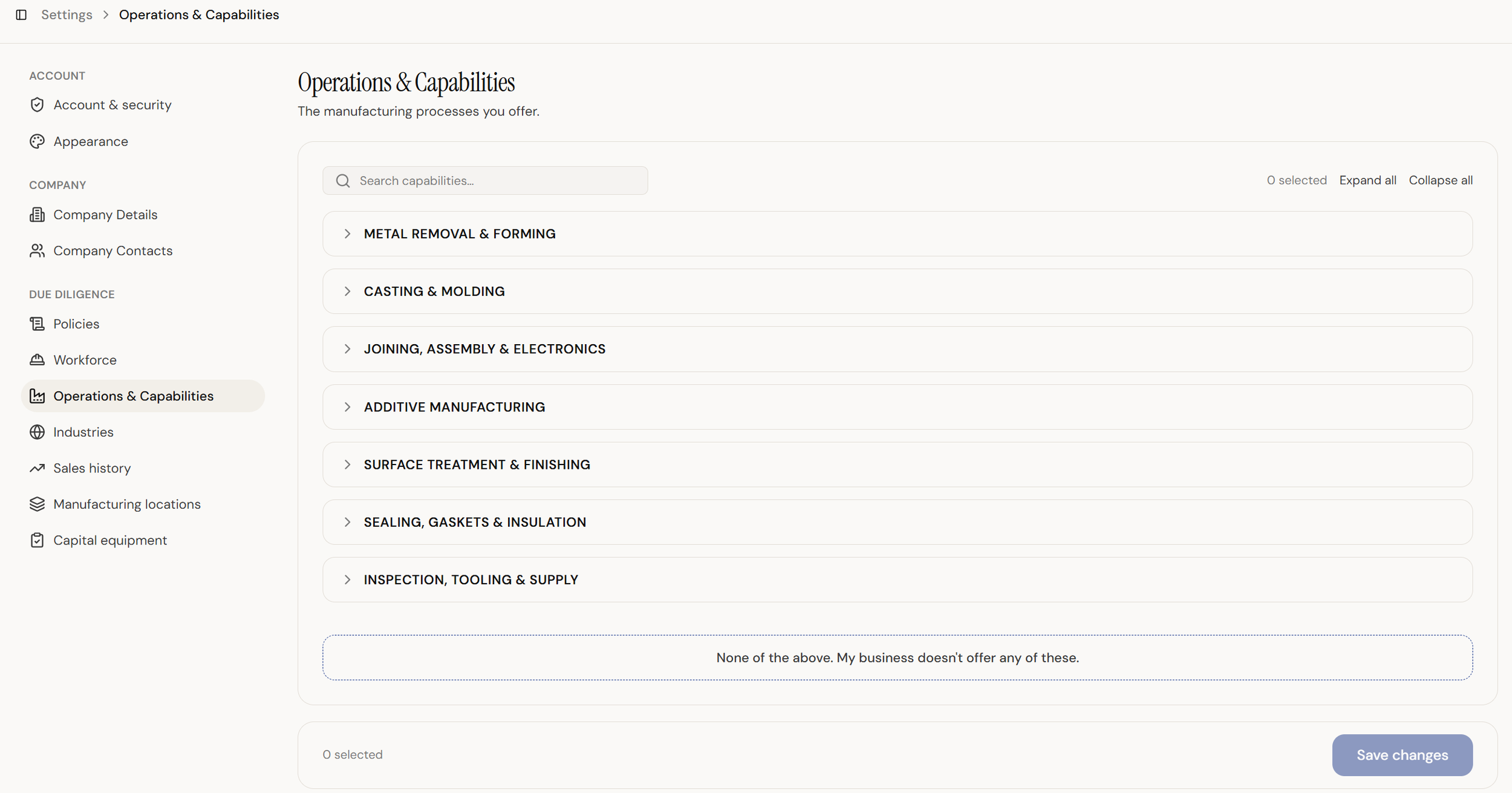
2. Go to Operations & Capabilities
In the Settings menu, find the Due Diligence group and select Operations & Capabilities.
3. Expand a capability category
Click the dropdown arrow next to any category, such as Metal Removal & Forming, to reveal the full, expanded list of specific capabilities now available underneath it.
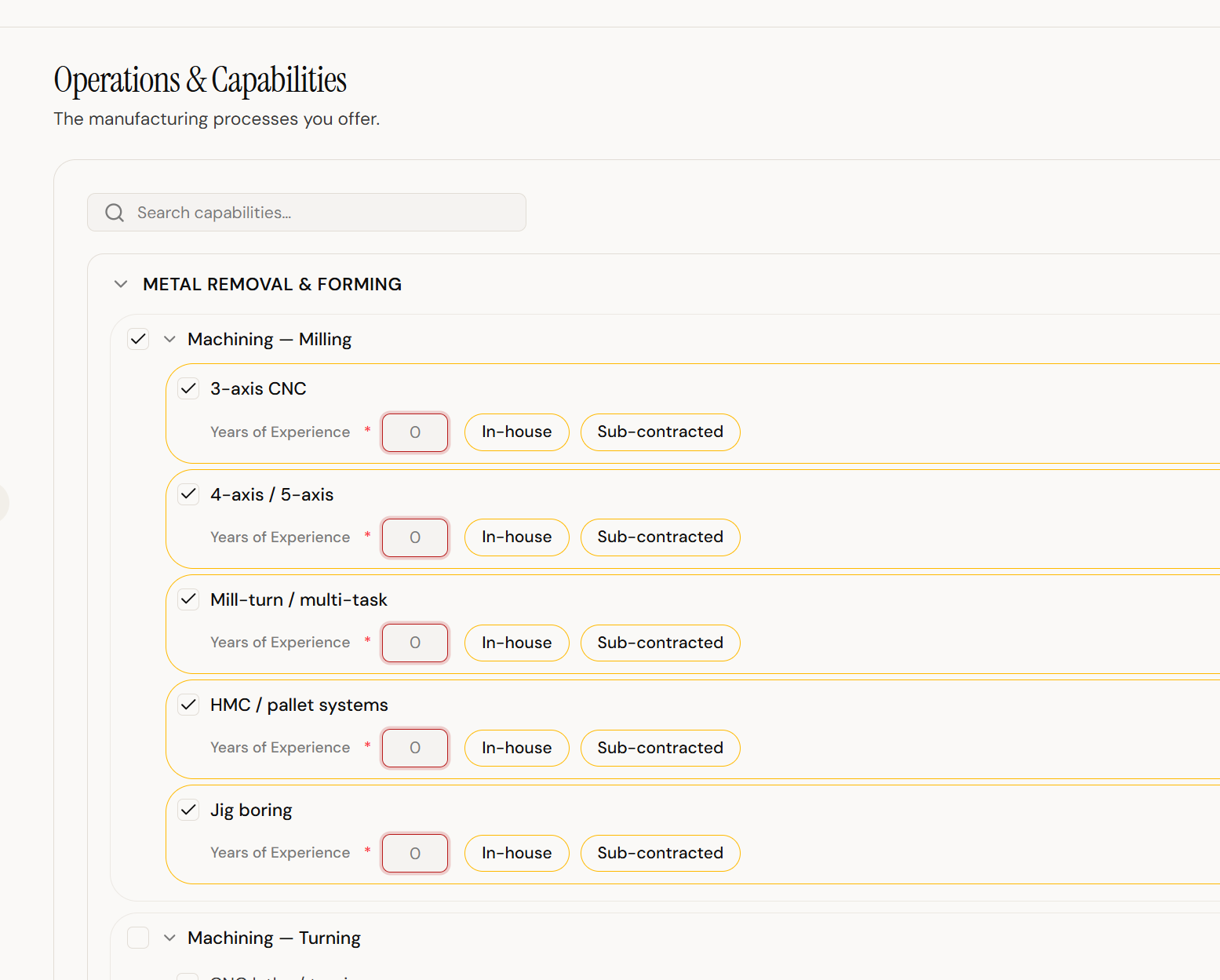
4. Select your new capabilities
Check the box next to any capability that applies to your operations. For each one selected, fill in the required details — Years of Experience, and whether it's In-house or Sub-contracted.
5. Review and save
Use "Expand all" to quickly scan every category for newly added capabilities you may have missed, then save your changes once complete.
Why this matters
Buyers filter and search suppliers by capability. A complete, current profile is more likely to surface in the searches that match your shop, and more likely to be selected for the RFIs you actually want.